
Rule-based pricing
Calculate commercial values from the same dimensions and product options the customer sees.
- Formula, price-band and matrix logic
- Base systems, quantities and option prices
- Conditional surcharges and dependencies
Pergola quoting software
Configurix connects the configured pergola to its commercial rules, so dimensions, roof systems, closures, finishes and accessories can flow into an accurate price, a branded proposal and a reusable project record.
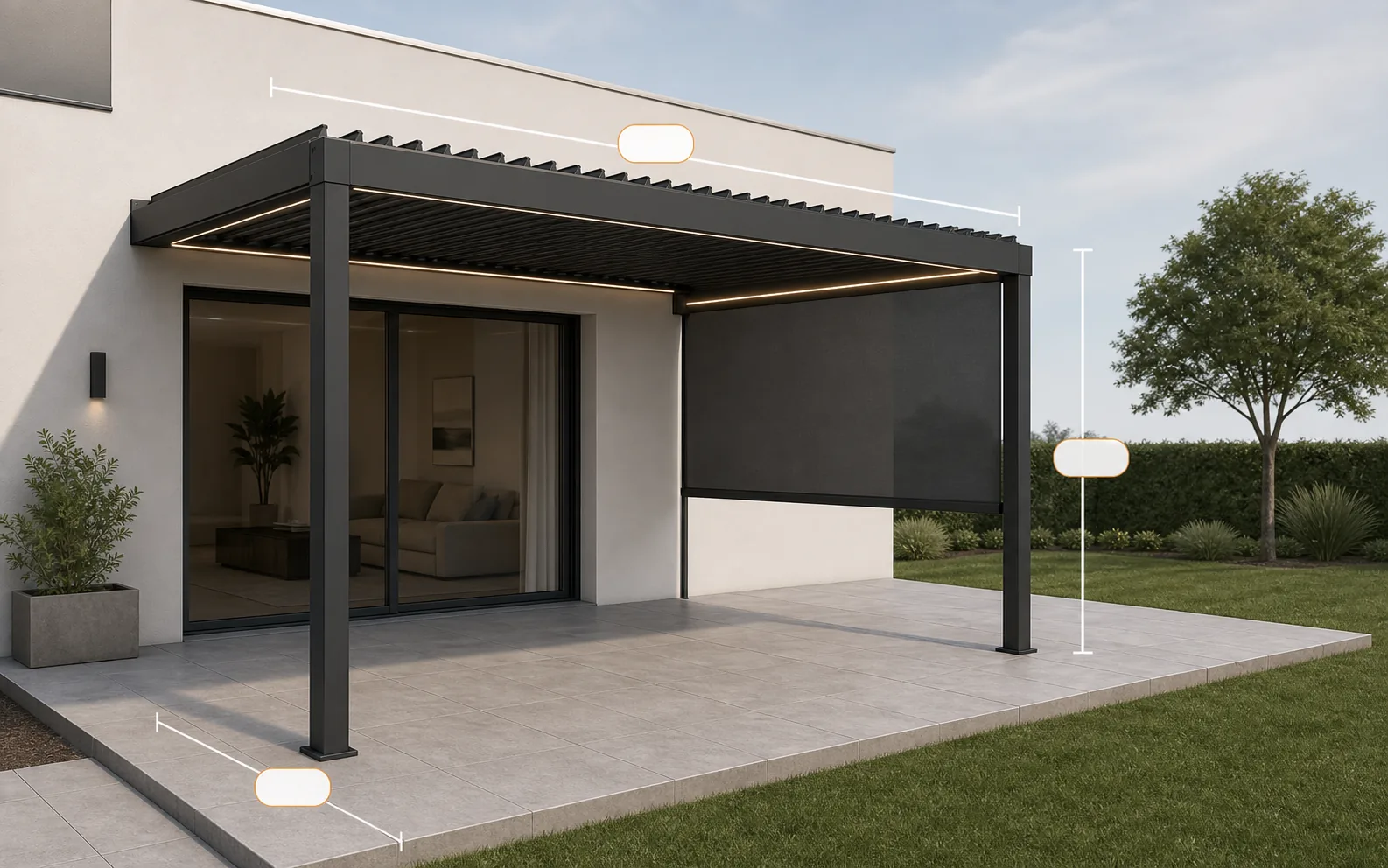
Connected pergola workflow
The design, price, quote and project record stay connected.
Pricing tied to the actual product
A pergola price can depend on more than width and projection. Mounting type, number of bays, structural profile, louver zone, motor, screen size, glazing, lighting, finish, installation, freight, tax and dealer terms can all affect the final offer.
Configurix makes those inputs part of one governed configuration. The pricing model can use formulas, matrices, size bands, option prices and conditions based on the catalogue and commercial process supplied by the business.
The result is not simply a number on screen. The selected product, price components, customer details, visuals and commercial terms can remain connected when the salesperson reviews the opportunity, generates a quote or prepares the next handoff.
The pricing model and document output are tailored to the products, markets and approval process of each Configurix implementation.
Calculate commercial values from the same dimensions and product options the customer sees.
Include the choices that materially change a bioclimatic or made-to-measure pergola offer.
Apply the pricing and approval structure used across the sales organisation.
Turn the saved project into a proposal that is clear to the buyer and consistent for the seller.
Reopen the project when a customer changes size, finish or accessories.
Keep commercial information useful after the quote has been prepared.
One connected process
A connected quote workflow reduces the number of places where product selections and prices must be interpreted or typed again.
Configure
Choose system, dimensions, roof, finish and compatible accessories in the visual configurator.
Calculate
Use the appropriate formula, option prices, taxes, discounts and market-specific commercial logic.
Review
Confirm the design, scope, price breakdown, customer data and any internal approval requirements.
Present
Create a branded quote connected to the saved configuration and available for later revision.
A spreadsheet can remain useful for analysis. The operational difference is whether the quoted price is directly connected to the customer's configured product and project record.
| Workflow area | Configurix quoting workflow | Separate spreadsheet workflow |
|---|---|---|
| Product inputs | Dimensions and selected options come from the saved visual configuration. | Selections commonly need to be interpreted and entered into another file. |
| Compatibility | Product rules can limit incompatible combinations before pricing. | The estimator must check compatibility using catalogue knowledge or separate references. |
| Price updates | Changing the configuration can recalculate affected commercial components. | Changes may require manual edits across the estimate, drawing and proposal. |
| Quote output | The product summary, visual and price can populate an agreed branded document. | A separate template or document-generation step is often required. |
| Project continuity | The configuration and commercial record remain available for follow-up and handoff. | Files and customer communication may be stored in several different places. |
Pergola software FAQ
Product setup, pricing rules, outputs, integrations, implementation and ongoing catalogue changes.
Related pages cover the complete product, specific business roles and practical quoting guidance without repeating the same search intent.
Specialist product type
Follow louvered-roof dimensions, options and commercial rules from configuration into a reviewable project.
Core product
Explore the complete visual product configuration and sales platform for pergola businesses.
Practical guide
Review the project inputs, price logic and quote sections needed for a reliable pergola proposal.
Design workflow
Understand how rule-based 3D design turns catalogue choices into structured project data.
Role guide
See how quoting fits between lead capture, site consultation, follow-up and install preparation.
A free, no-obligation walkthrough tailored to how your team configures, quotes and delivers.
Book a demo
Talk through your catalog, rules and sales flow with us.